Add public YouTube video URLs to a Cloudglue collection.
YouTube URLs are processed as audio only. For full video analysis including visual descriptions, add the original video file via Local Files or a data connector instead.

Add on the dashboard

From the Data Connectors page, click YouTube under Other Sources. Paste one or more YouTube URLs, pick a collection, and add them.
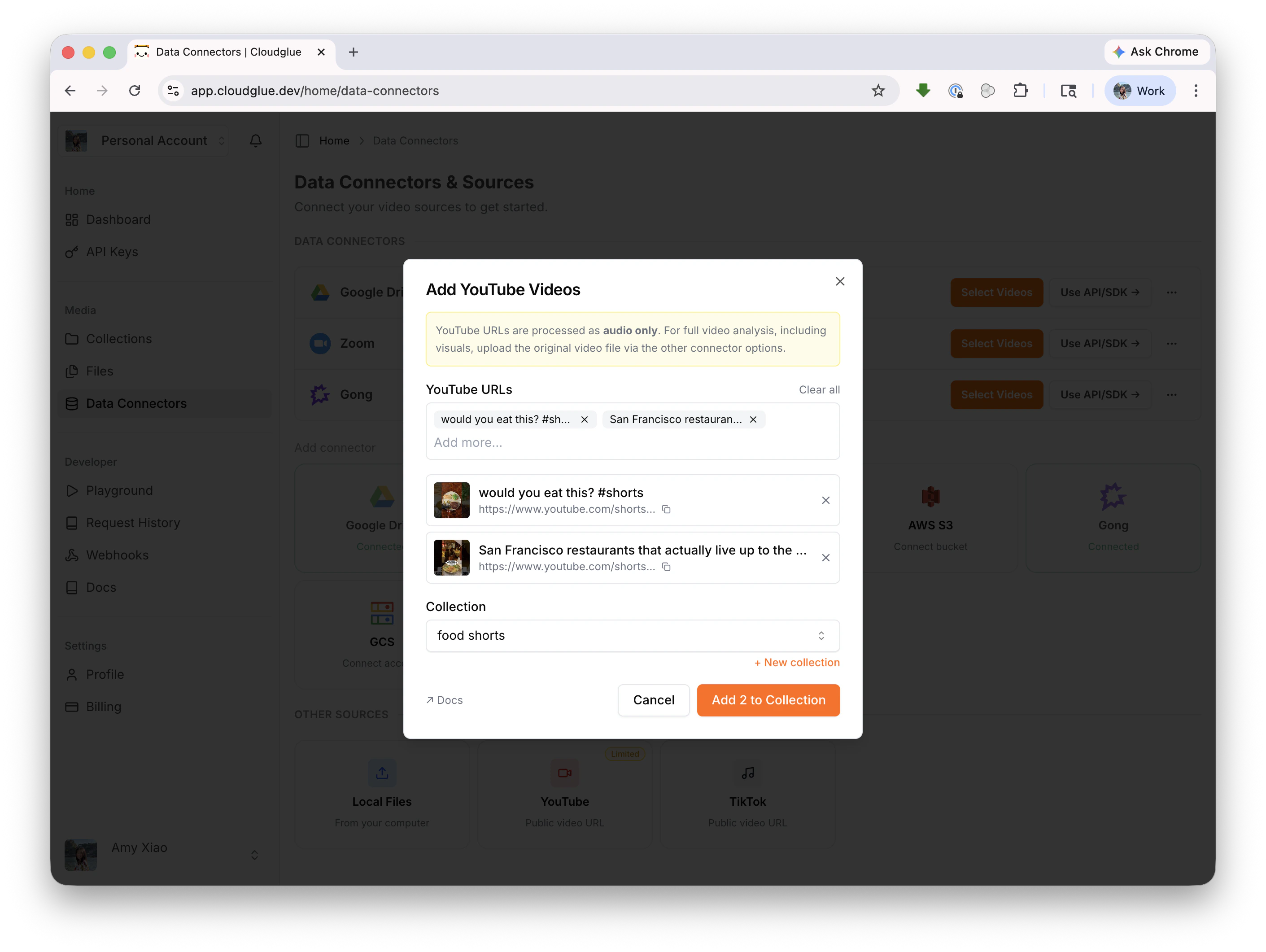
Add YouTube videos modal

Add with the API/SDK

See Add Media to Collection for the full API reference.
YouTube URLs can only be added to a collection. Sync File from URL does not accept YouTube URLs.