Add video files (MP4, MOV, WEBM) directly from your computer to a Cloudglue collection.

Add on the dashboard

From the Data Connectors page, click Local Files under Other Sources. Select your files, pick a collection, and add them.
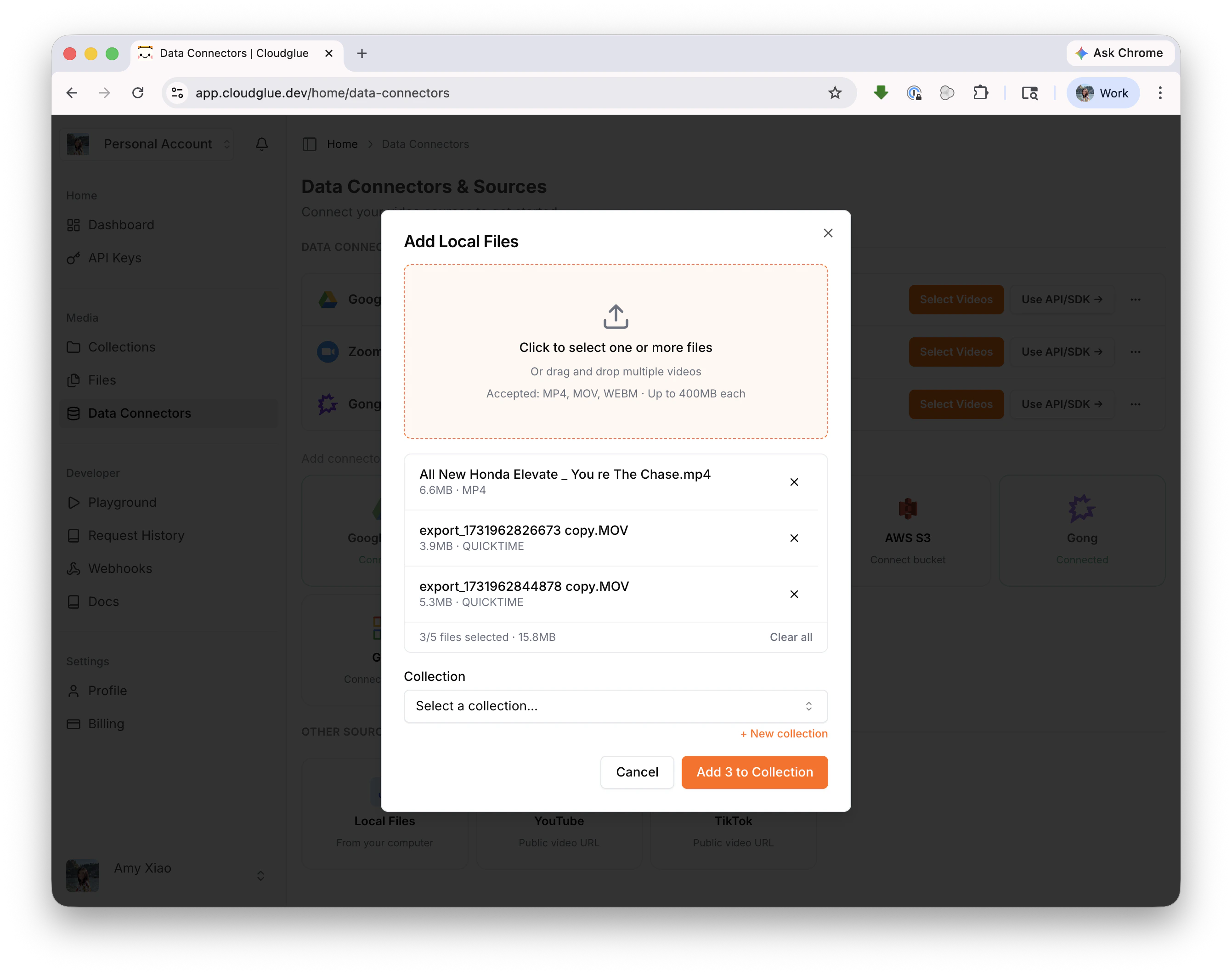
Add local files modal

Add with the API/SDK

See Upload File and Add Video to Collection for the full API reference.

Supported formats

  • MP4, MOV, WEBM
  • Up to 400MB per file
  • Up to 5 files at a time via the dashboard

For larger files or bulk imports

For bulk imports or files larger than 400MB, use a data connector or the API/SDK directly.