Documentation IndexFetch the complete documentation index at: /llms.txtUse this file to discover all available pages before exploring further.
Fetch the complete documentation index at: /llms.txt
Use this file to discover all available pages before exploring further.
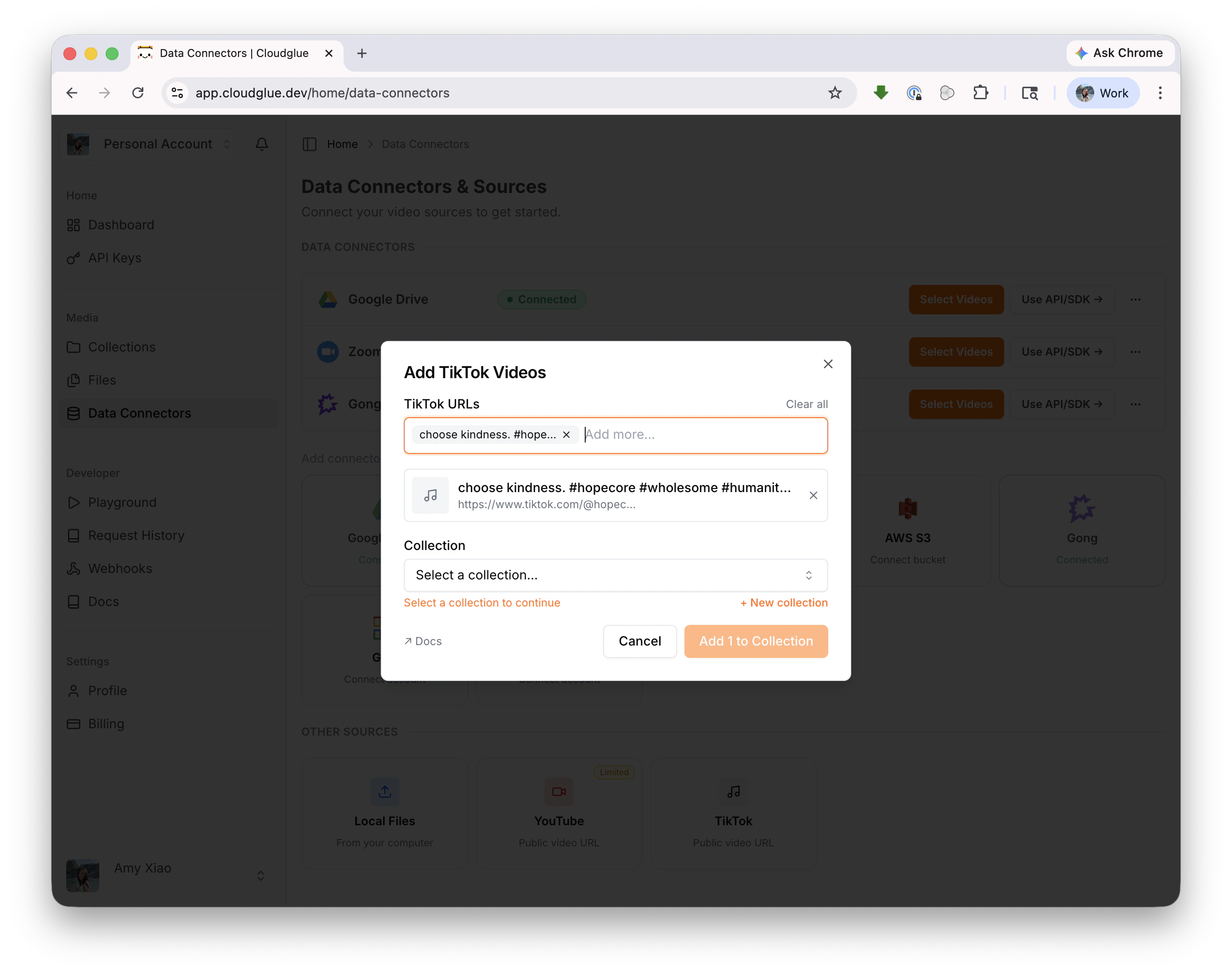
Add TikTok URLs to Cloudglue for analysis
const result = await client.collections.addVideoByUrl({
  collectionId: 'my-collection-id',
  url: 'https://www.tiktok.com/@user/video/1234567890',
  params: {},
});
curl -X POST https://api.cloudglue.dev/v1/files/sync \
  -H "Authorization: Bearer $CLOUDGLUE_API_KEY" \
  -H "Content-Type: application/json" \
  -d '{"url": "https://www.tiktok.com/@user/video/1234567890"}'